Step 01
Purchase a Scratch Card
Buy a scratch card at any of our specified Cal Bank or Access Bank branches or purchase online via the CalBank App or the Cal Bank USSD platform (*771#).
Step 02
Document Verification
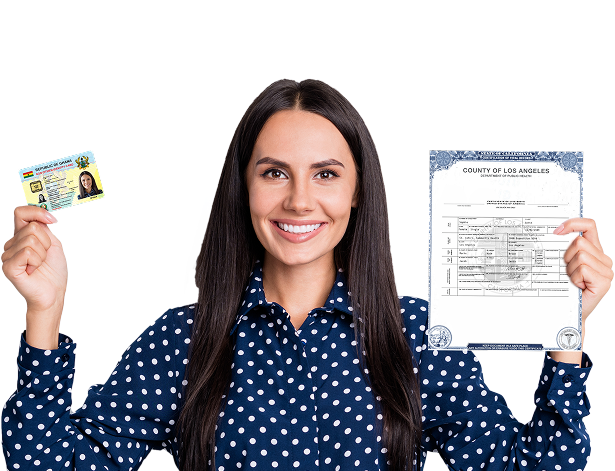
Visit the FIMS registration centre to present your registration documents for verification.
Step 03
Interview and Application
Complete an interview with a Registration Officer and fill out an application form with your biographic details.
Step 04
Form Submission
Submit your scratch card and application form for verification, and the officer will input your details into the system.
Step 05
Biometric Capture
Proceed to the Data Entry Officer to capture your biometric data, including 10 fingerprints, a portrait photograph, iris scan, and signature.
Step 06
Confirmation
A receipt will be printed for you to review and confirm your personal details captured by the Data Entry Clerk. If you notice any errors, immediately inform the clerk to make corrections.